
Play Classic UNO on iOS
Overview
The UNO app brings the beloved card game to iOS devices, offering a digital adaptation of the original tabletop experience. Designed for iPhone, iPad, and iPod Touch, it captures the fast-paced excitement and simple rules that have made UNO a staple of family game nights for decades. The software serves as a digital recreation of the physical card game, allowing users to enjoy the same mechanics and social interaction in a mobile format.
It is ideal for casual gamers, families, and individuals seeking quick, engaging entertainment. The app supports both single-player and multiplayer modes, enabling players to challenge AI opponents or connect with others online. Its intuitive design and built-in tutorial help new users understand gameplay quickly.
Real-world use cases include casual play during breaks, family game sessions, or competitive matches with friends. The developer has preserved the core identity of the original game while adapting it for touch-based interaction. The app maintains the game’s signature mechanics, including color and number matching, wild cards, and the urgent need to avoid holding cards at the end of a round.
The developer did not provide additional background on the company or development history.
Key Features & Capabilities
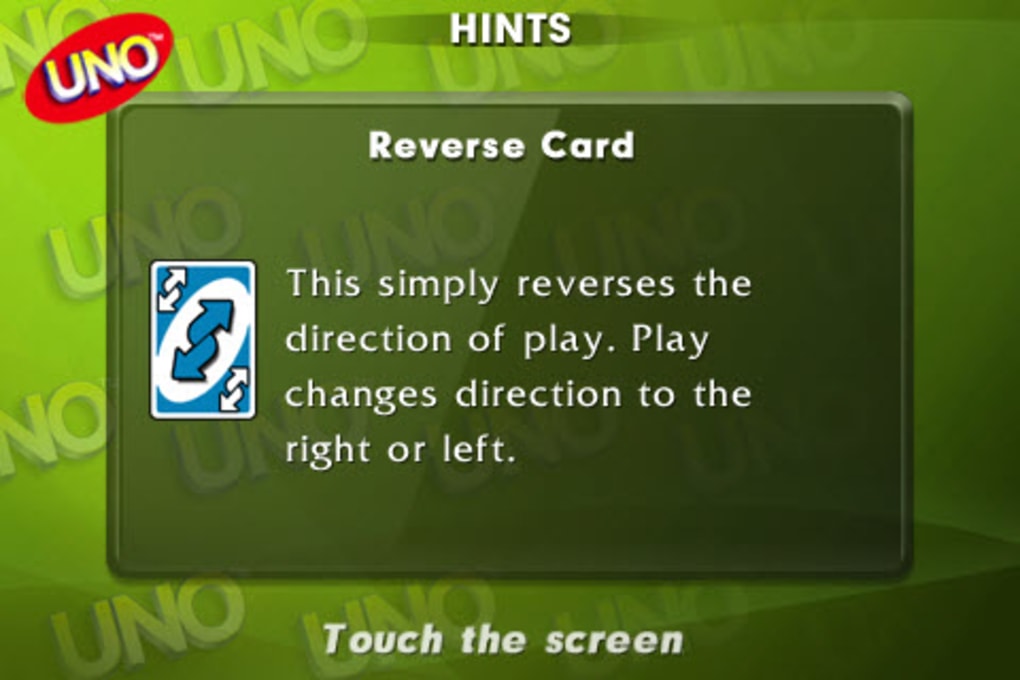
- Classic UNO Gameplay – Replicates the original card game’s rules, including color matching, number sequences, and special action cards like Skip, Reverse, and Draw Two.
- Multiplayer Modes – Supports both AI opponents and online multiplayer, allowing users to play against real people across the globe.
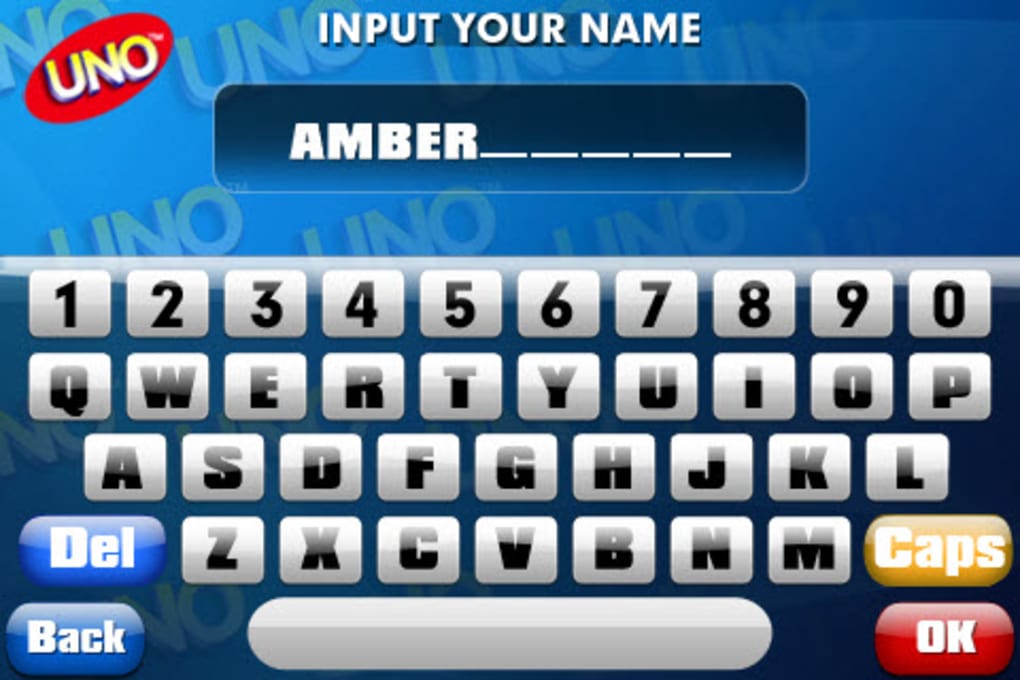
- Personalization Options – Players can customize their avatar with unique colors and icons, and enter a nickname for a more immersive experience.
- Progress Saving – Automatically saves ongoing games, enabling users to resume play at any time after closing the app.
- Interactive Tutorial – Provides step-by-step guidance and in-game hints to help users learn the rules and controls.
- Quick Matchmaking – Enables fast setup for new games, minimizing wait time between matches.
These features make the app suitable for both newcomers and experienced players. For example, the tutorial helps children or first-time users grasp the rules without confusion. The online mode fosters social interaction, ideal for remote family gatherings or friendly competition.
Personalization adds a layer of identity, increasing user engagement. The progress-saving function ensures that interruptions don’t disrupt gameplay, which is particularly useful for users with busy schedules. The app’s design emphasizes accessibility and immediate playability, aligning with the original game’s goal of simplicity and fun.
User Interface, Workflow & Performance
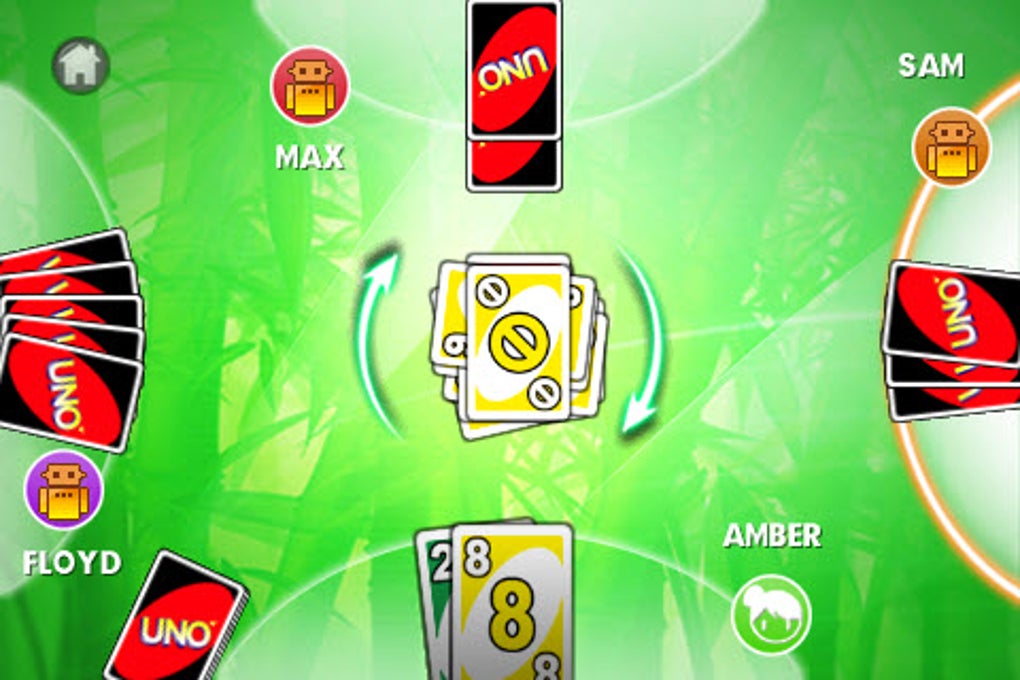
The user interface is clean and optimized for touchscreens, with clearly laid-out card zones and intuitive controls. Players can easily select cards, trigger actions, and navigate menus using gestures. The layout mirrors the physical game board, with cards displayed in a horizontal hand at the bottom and the discard pile in the center.
Navigation is straightforward, with minimal clicks required to start or manage a game. The workflow follows a natural progression: select a card, play it, wait for the next turn, and respond to game events. The app maintains consistent responsiveness during gameplay, with no reported lag in card selection or turn transitions.
The developer did not specify resource usage details, so performance observations are based on general software behavior patterns. Stability appears reliable, as the app resumes saved games without data loss. The app does not require constant internet access for offline play, though online features are limited to active connections.
Compatibility & System Requirements
The UNO app is compatible with iOS devices, including iPhone, iPad, and iPod Touch. It supports the latest iOS versions as of its release date. The installation size is 425.7 MB, which is typical for apps with high-quality graphics and audio.
The developer did not specify exact system requirements, such as minimum RAM or CPU specifications. Compatibility information was partially provided, with no mention of older iOS versions or hardware limitations. Users should ensure their device meets the standard requirements for running modern iOS applications.
The app does not require additional software or drivers to function. It is designed to operate independently once installed.
Pros and Cons
Pros
- Authentic recreation of the classic UNO card game
- Supports both offline and online multiplayer
- Intuitive interface tailored for touchscreens
- Personalization options for avatars and names
- Automatic game progress saving
- Comprehensive tutorial for new players
Cons
- Initial installation time is longer than average
- No information on system resource usage
- Online features require an active internet connection
- Only available on iOS devices
FAQ Section
Is UNO available for free on iOS?
Yes, the UNO app is available at no cost on the App Store for iPhone, iPad, and iPod Touch.
Can I play UNO offline?
Yes, you can play against AI opponents without an internet connection. However, online multiplayer requires an active connection.
Does the app support multiplayer with friends?
Yes, the app allows users to play with other players online, enabling competitive matches with friends or random opponents.
How does the app handle game progress?
The app automatically saves your current game, so you can resume playing from where you left off when you reopen the application.
Are there in-app purchases in the UNO app?
The provided information does not mention in-app purchases. The app is listed as free, but additional content or features may be available through optional purchases not detailed in the description.
Final Thoughts
The UNO app delivers a faithful and enjoyable digital version of the timeless card game, successfully translating its physical mechanics into a mobile environment. Its clean interface, robust multiplayer support, and thoughtful features like progress saving and personalization enhance the user experience. While the initial installation time is longer than typical, it is a minor trade-off for a game that remains as engaging today as it was decades ago.
The app is particularly well-suited for families, casual gamers, and anyone nostalgic for the original UNO experience. With its seamless blend of nostalgia and modern functionality, it stands out as a top choice in the mobile gaming space. Download UNO now.







